Product description
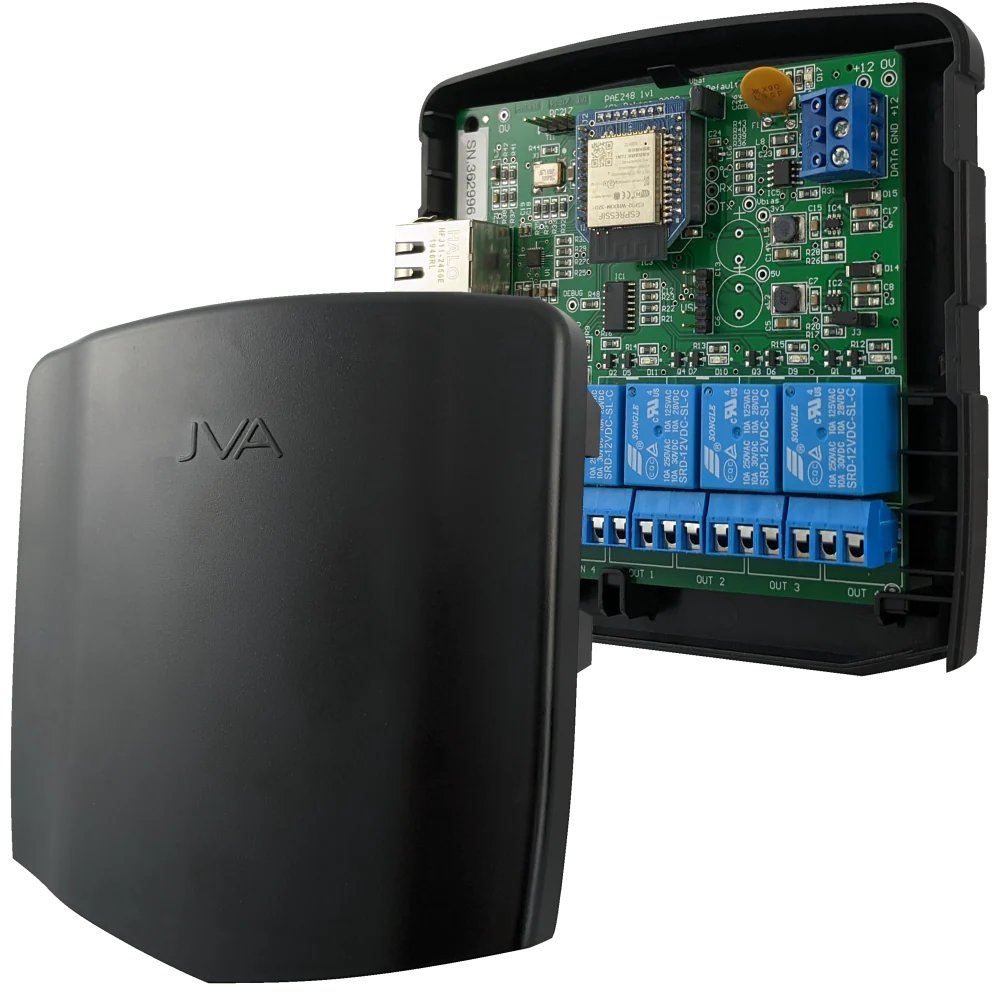
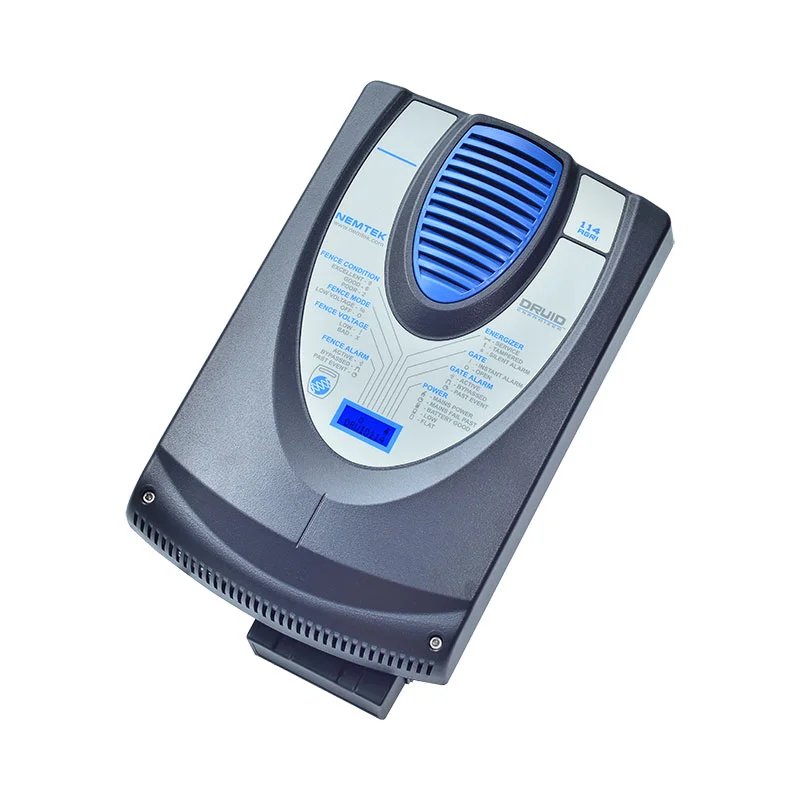
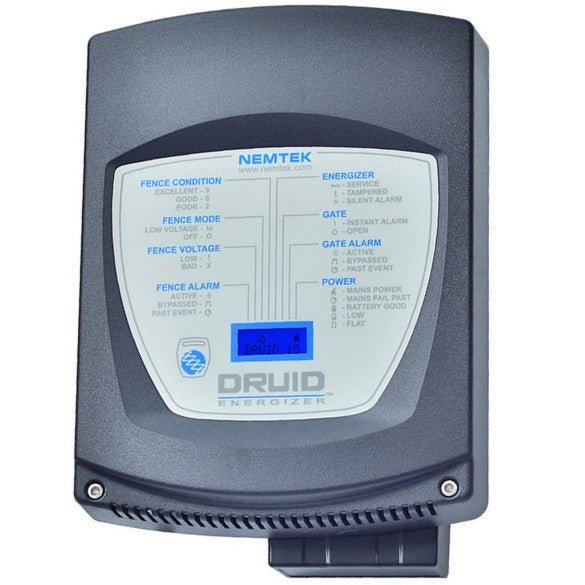
The JVA Wi-Fi GPIO TCP/IP Module (often referred to as a Wi-Fi GPIO Board / TCP-IP interface for JVA systems) is a network and control interface accessory used with JVA electric fence and perimeter security equipment. It enables remote monitoring, control, and integration with wider networks — such as local networks, internet applications, or automation systems.
What It Is
This module provides:
- Wi-Fi and TCP/IP connectivity to your electric fence system so devices like energizers, monitors, and Perimeter Patrol software can communicate over standard networks.
- General Purpose Inputs and Outputs (GPIO) that allow you to monitor external devices (e.g., sensors) and control outputs (e.g., sirens, lights).
- Ethernet / network interface for connecting your JVA fence network to LAN/WAN systems.
Key Functionalities
1. Network Connectivity (TCP/IP & Wi-Fi)
- Provides an interface between the JVA Keypad/energizer bus and Ethernet/Wi-Fi networks.
- Converts serial data from the energizer system to TCP/IP so it can be monitored or controlled remotely.
2. Remote Monitoring & Control
- Enables access via smartphone, tablet, PC, or cloud services when paired with appropriate JVA software (like Perimeter Patrol or Virtual Keypad).
- Can be used to check fence status, receive alarms, or issue commands over IP networks.
3. GPIO (Inputs & Outputs)
- Includes configurable inputs to monitor external signals (e.g., motion detectors, door sensors).
- Provides relay outputs to control devices such as sirens, lights, or pumps linked to fence events.
- Inputs can be digital or analog in some configurations.
4. Flexible Integration
- Works with up to ~14 devices on a JVA keypad bus, making it ideal for larger or integrated security systems.
- Can be part of Ethernet or wireless TCP/IP networks spanning sites.
Typical Applications
- Remote electric fence monitoring and notification
- Integration with alarm/automation systems
- Connecting fencing systems to local networks (LAN/WAN)
- Automated control of external devices based on fence status
- Use with smartphone or PC interfaces for status views and alerts
Installation Notes
- Must be powered and connected to the JVA keypad bus of compatible energizers or monitors.
- Wi-Fi setup allows access through standard wireless devices, usually via a web UI or app.
- Good earth and network grounding practices help system reliability.

 Elphamatt